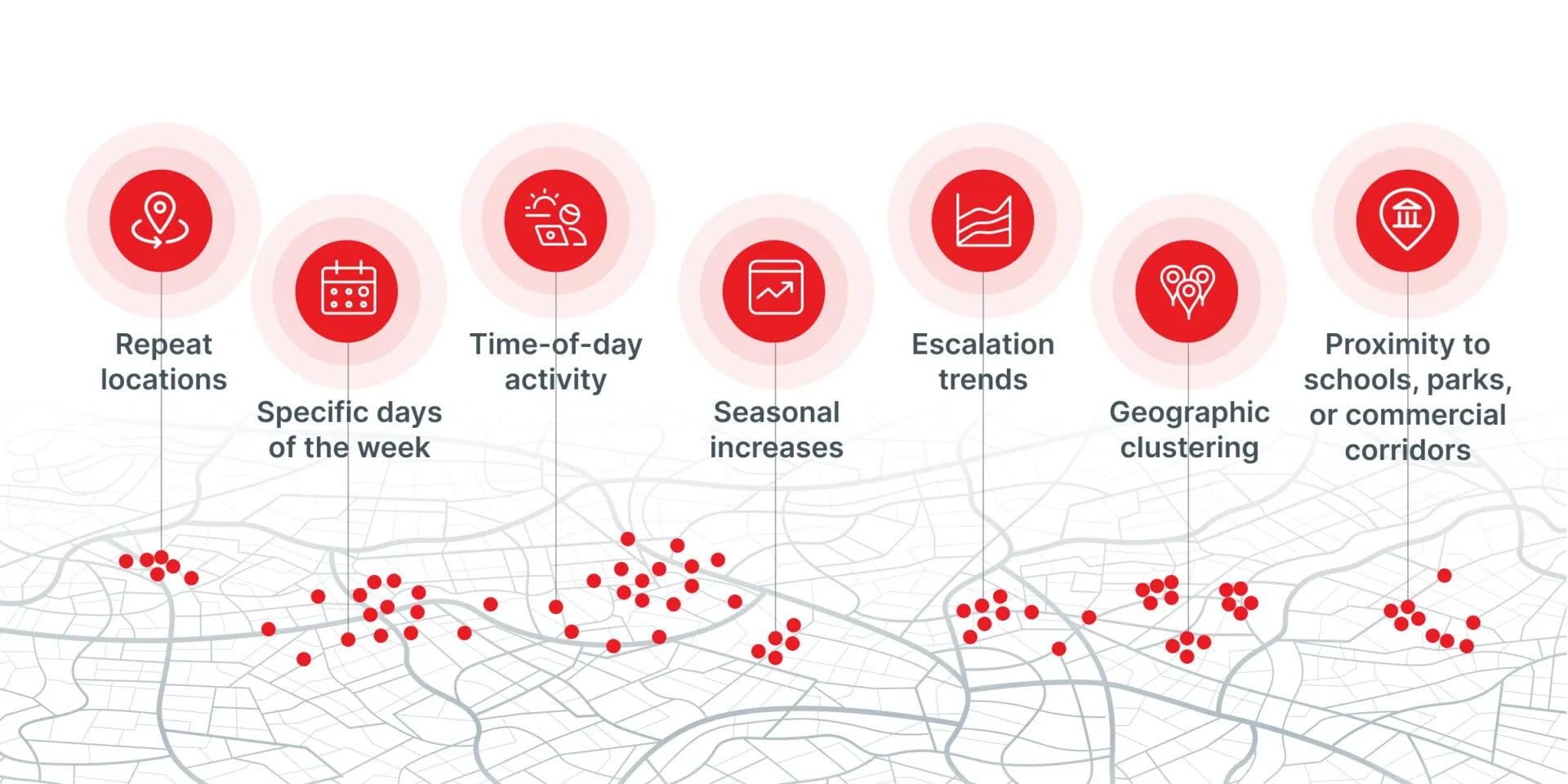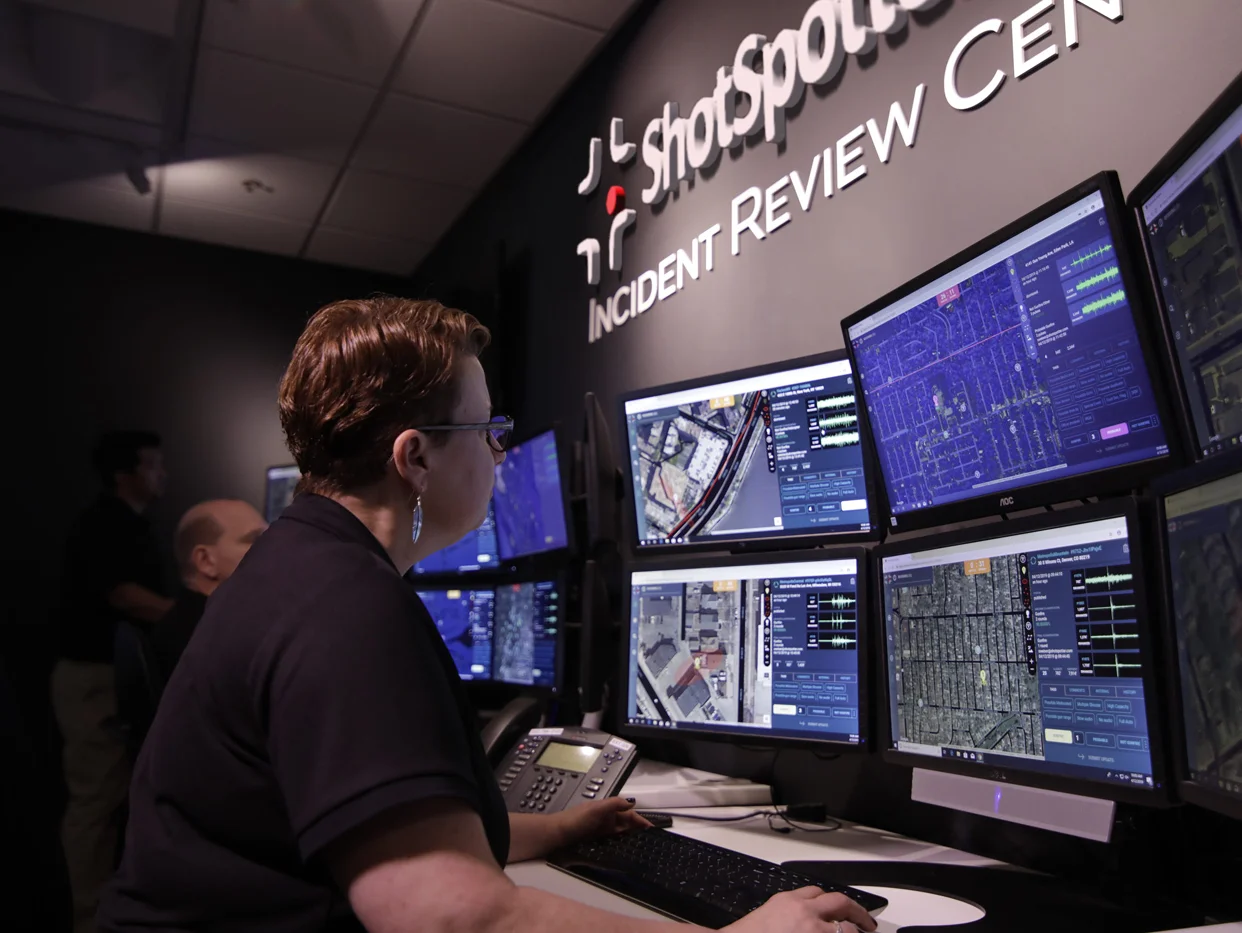












Every agency with access to ShotSpotter® data has a similar problem. The data is there. It’s rich, it’s real-time, and it captures what’s happening across your coverage area around the clock. The problem is what happens between the data and the decision.
A patrol officer heading into a night shift needs to know what changed this week. A supervisor planning a weekend deployment needs to see the patterns that matter. A commander walking into CompStat or a community meeting needs a clear, defensible summary of recent gunfire trends. An analyst preparing a grant report needs accurate numbers they can stand behind.
Every one of those people needs something different from the same data. Previously, getting there meant filters, exports, manual formatting, and the kind of spreadsheet gymnastics that eat staff time.
When every decision faces scrutiny — from resource deployment to intervention strategies — leaders need fast, clear, data-backed answers, not a blank spreadsheet and a ticking clock. That’s where SafetySmart Field Agent can help.
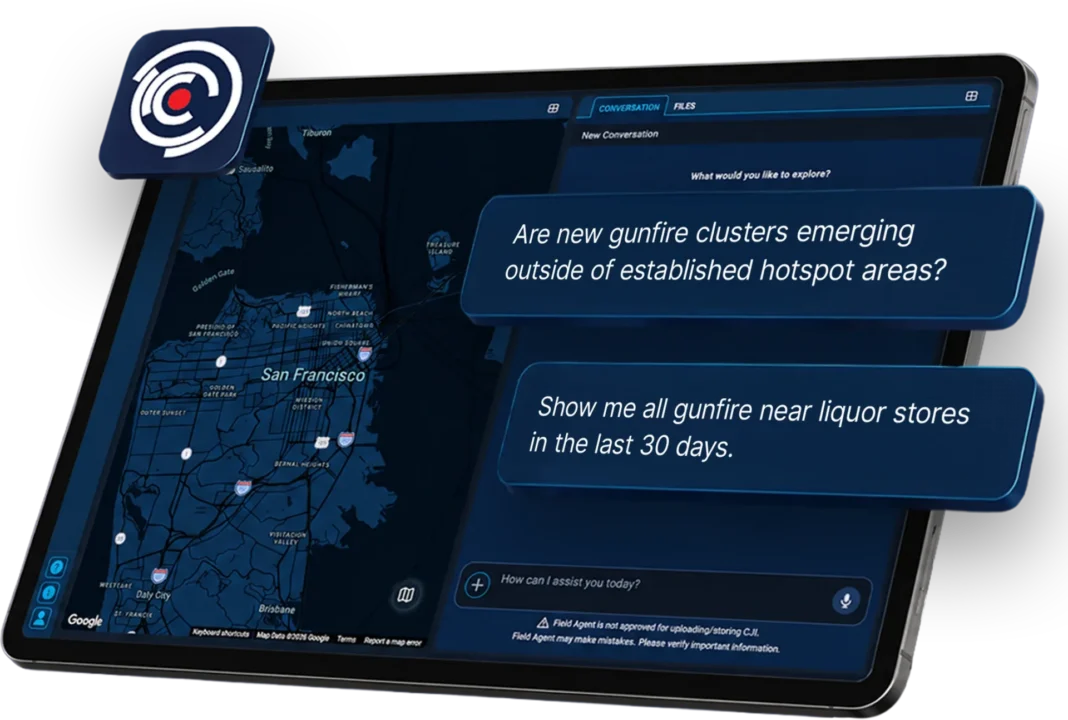
Ask Safety Smart Field Agent a Question. Get an Answer.
SafetySmart Field Agent makes it easier to get real value out of your ShotSpotter data. Just ask a question in natural language and get back what you need: data, insight on that data, a chart, a map, or a ready-to-use summary for your next report, briefing, or operational discussion. No filters, no exports, no spreadsheet gymnastics. You can type your question or speak it, whether you’re at a desk or in the field. The SafetySmart Field Agent is also multi-lingual, supporting English, Spanish, and Portuguese.
Think of it as having a data-fluent analyst available 24/7 who already knows your ShotSpotter data and can answer your question in seconds instead of hours.
Built for All Users in Your Agency
One of the things we heard most from agencies is that every role touches ShotSpotter data differently, and every role feels the friction of getting from raw data to something usable. Safety Smart Field Agent is designed to work for all of them.
Field Agent is designed for public safety users who need faster access to operational and analytical information, including patrol officers, investigators, crime analysts, command staff, chiefs, and other authorized users who work with SafetySmart data.
- Patrol officers can ask Field Agent what happened in their beat overnight, where the most active clusters are, and what they should pay attention to before going in-service. Patrol officers can use Field Agent to quickly understand recent activity, produce a pre-patrol briefing, identify high-activity areas, review time-of-day patterns, and prepare for directed patrol or situational awareness. Field Agent can place incidents, points of interest, clusters, and generated shapes on a layered map to visualize the data.
-
- Example patrol prompts include:
-
-
- “What changed in gunfire activity in my patrol area over the last 7 days compared with the prior 7 days, and what should I pay attention to tonight?”
-
-
-
- “Show me the most active gunfire clusters in my beat and summarize what days and times each cluster is most active.”
-
- Detectives and investigators can use Field Agent to dig into specific incidents, locations, or timeframes without building custom queries. Investigators can use Field Agent to review incident details, play available audio recordings, generate ILS reports, and identify temporal or spatial relationships between incidents.
-
- Example investigative prompts include:
-
-
- “What are the top block locations where shell casing evidence has been recovered over the last month?”
-
-
-
- “The area near Main and Oak St, is a hot spot for criminal activity. Are there any ShotSpotter activations within the past 30 days, in that general vicinity and are there any correlations with proximity to points of interest?”
-
- Crime and intel analysts can use Field Agent to move faster through the trend analysis, cluster identification, and comparative work that usually takes the longest. Crime analysts can use Field Agent to create charts, hotspot-style analyses, heat maps, compare date ranges, analyze clusters, evaluate activity near parks, schools, businesses, or other points of interest, and generate exports for deeper analysis in Excel, GIS tools, or other analytics platforms.
-
- Example analytic prompts include:
-
-
- “Identify statistically meaningful changes in alerts over the last 30 days compared to the prior 90.”
-
-
-
- “Create an intelligence briefing on the most active gunfire clusters over the last 30 days, including repeat locations, peak days and times, high-round-count incidents, nearby schools or public gathering places, and any patterns patrol units should know before deployment.”
-
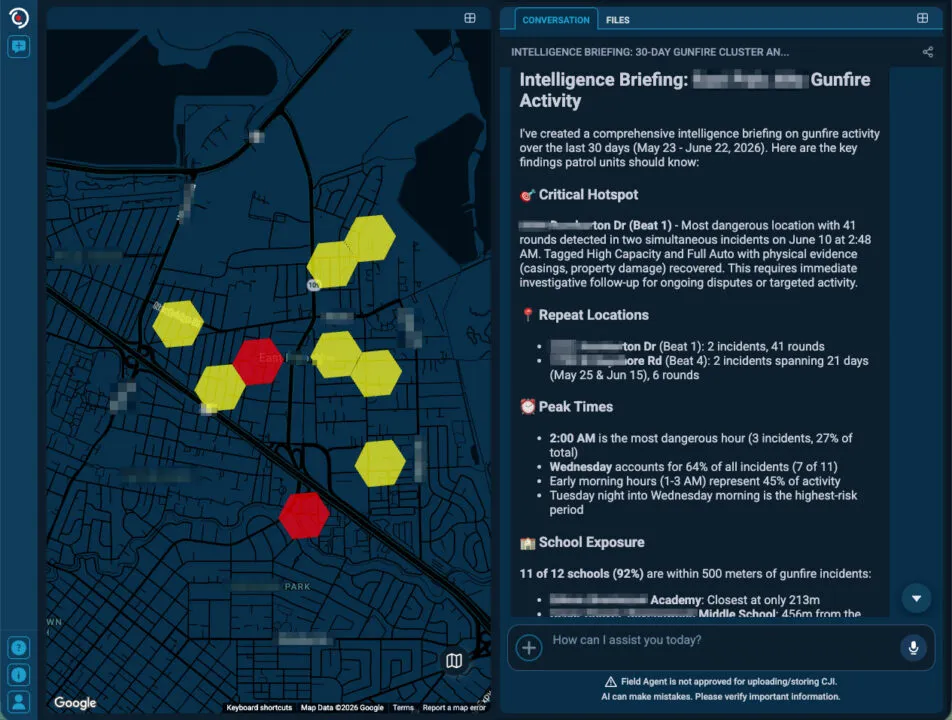
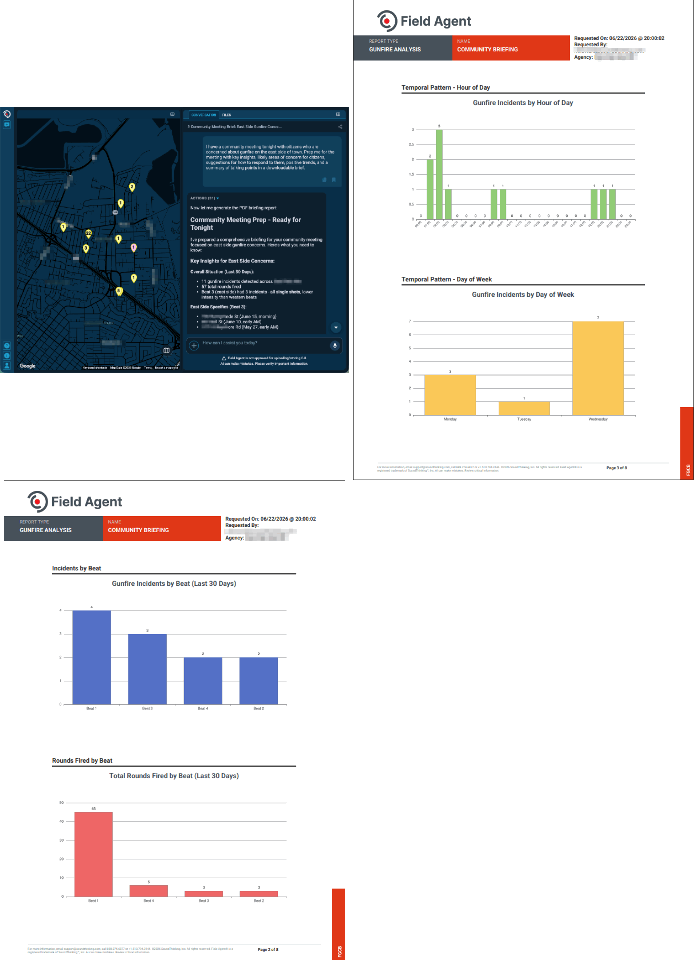
- Command staff and city leadership can go from “I need to know what’s happening” to a briefing-ready summary in minutes. Police chiefs and command staff can use Field Agent to quickly understand gunfire trends, hotspot locations, repeat problem areas, and changes across districts, beats, or time periods. Field Agent can turn ShotSpotter data into PDF-style reports, summaries, maps, charts, and visualizations that support deployment planning, CompStat preparation, command briefings, community meetings, grant reporting, city council briefings, and ShotSpotter renewal conversations with city leadership.
-
- Try prompts like:
-
-
- “We need to reference our alert data in a grant proposal. Summarize alert activity since January of this year.”
-
-
-
- “I have a community meeting tonight with citizens who are concerned about gunfire on the east side of town. Prep me for the meeting with key insights, likely areas of concern for citizens, suggestions for how to respond to them, positive trends, and a summary of talking points in a downloadable brief.”
-
Your Data. Your Agency. Your Control.
We know trust matters — especially when AI is involved. Field Agent was built with that in mind. Field Agent only gives access to data for which the user has authorized access, such as that agency’s own ShotSpotter, crime data (for ResourceRouter users), and license plate read data (for PlateRanger users).
Users can ask Field Agent where it pulled its data from or which source it used to answer. This is especially useful when an answer combines incident data, crime data, uploaded files, or geospatial reference data. As with any AI-driven agent, Field Agent’s answers should be verified. Final operational decisions should remain with authorized agency personnel, who use their training, policies, local knowledge, and verification of the underlying data.
Ready to See What Field Agent Can Do?
Ready to turn your agency’s ShotSpotter data into answers, decisions, and action every single day? Field Agent is now available.
Contact SoundThinking customer support or your customer success representative and ask for Field Agent. From there, you can also download the SafetySmart Field Agent on your mobile device through the App Store or Google Play.
To learn more about SafetySmart Field Agent, see the demonstration videos and access a list of sample prompts on the Field Agent landing page.