From Investigations to Impact Introducing CrimeTracer Gen3

Watch Now
CJIS
TX-RAMP

CRIMETRACER ™ Gen 3

Turn Scattered Data into Agency-Wide Crime Fighting Intelligence

Search and link over a billion law enforcement and public records using one platform.

Request A Consultation

THE CHALLENGE FOR ENTRANCE SECURITY

Every Day, Agencies Face the Same Uphill Battle:

Improve Efficiency and Effectiveness

Data Overload to Actionable Intelligence in Seconds

CrimeTracer Impact in Cobb County, GA

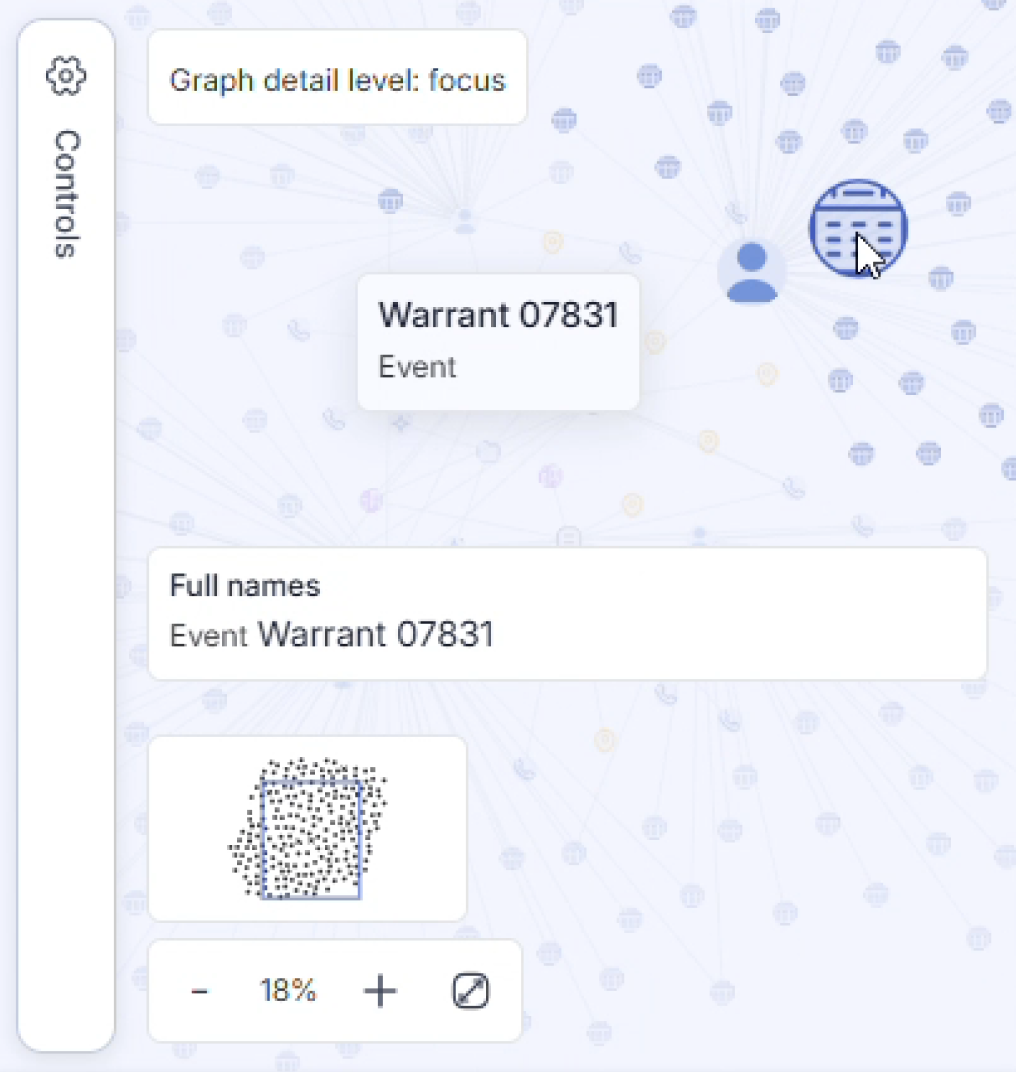
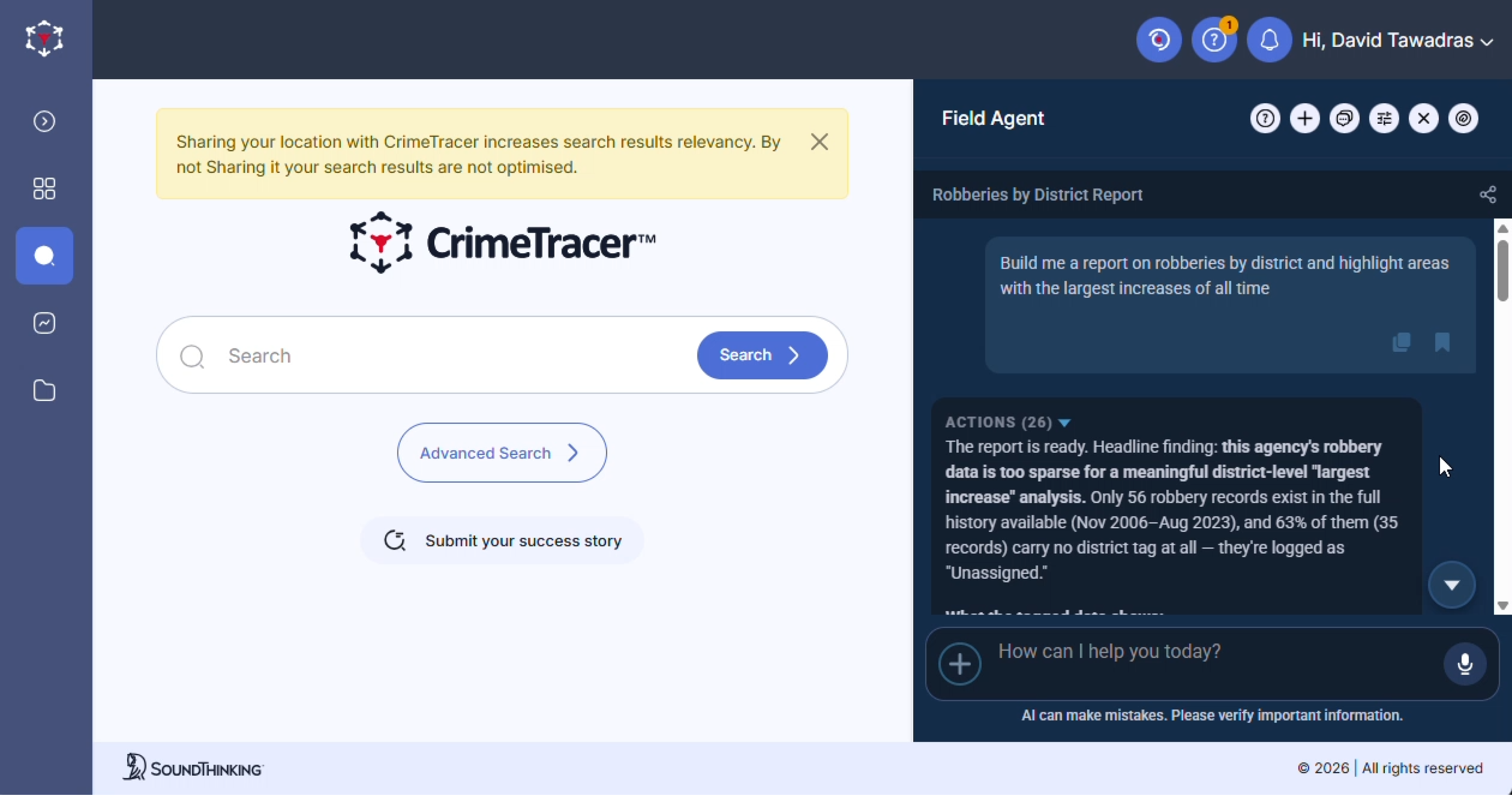
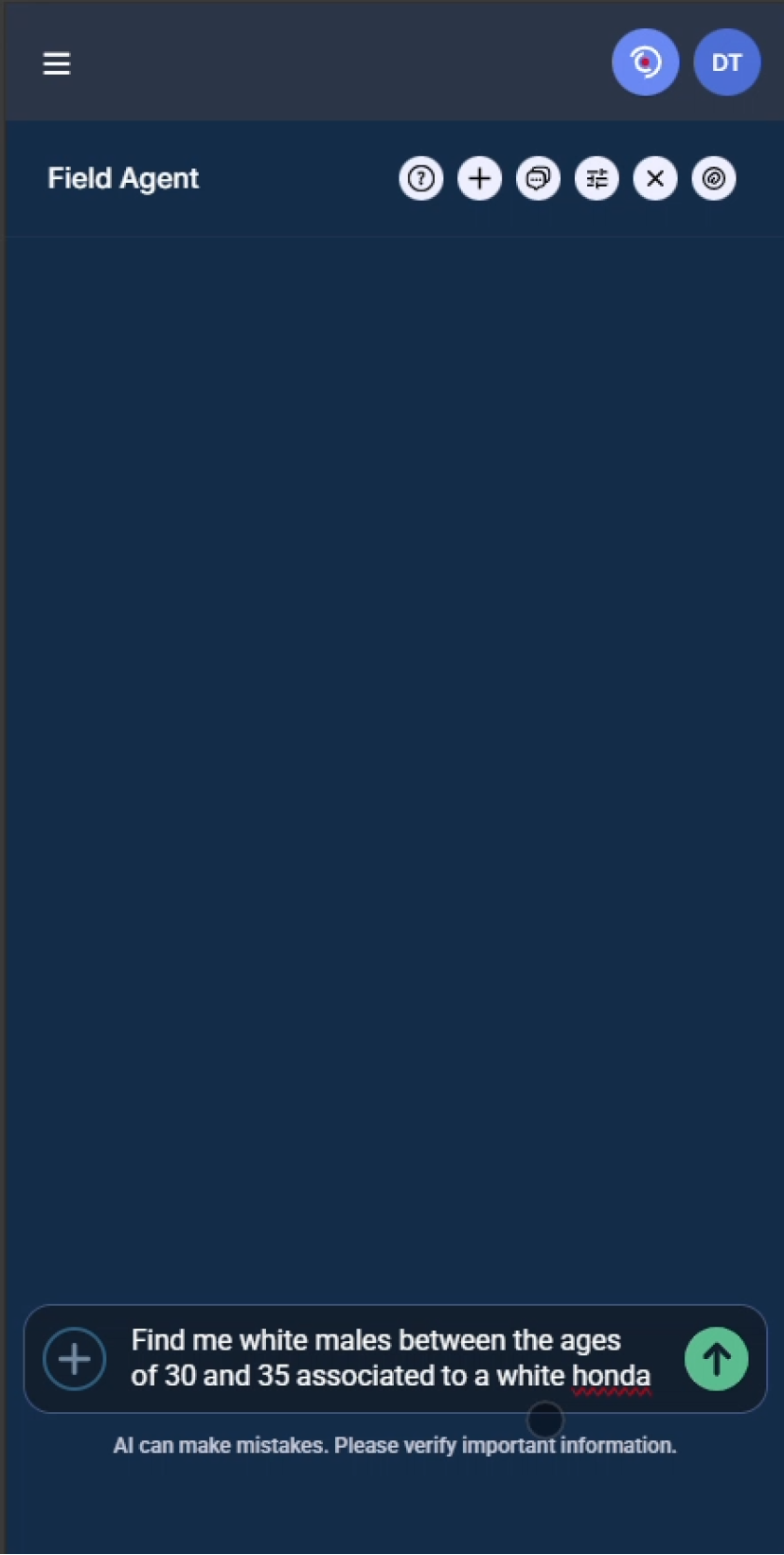
CrimeTracer Gen3 unifies your CAD/RMS, other internal systems, and partner data with essential public records. Linking more than a billion records from over 2,100 agencies, CrimeTracer Gen3 delivers the right information to patrol officers, analysts, investigators, and command quickly. Gen3 adds patrol-ready tools, including Patrol and Trends Dashboards, a voice-enabled natural-language search Chatbot, AI Summarization, Case Folders, and clear Entity Summaries, to turn scattered data into decisions.

Through an alliance with Thomson Reuters CLEAR®, CrimeTracer Gen3 brings public records alongside law-enforcement data in one place within CJIS-compliant boundaries

The Most Powerful Data Platform

of Law Enforcement Information in the Nation

Icon M investigation question search correlation conneted mind map icon

Create case momentum with immediate tactical leads from a law enforcement search engine that supports more than 50 data sources.

Icon M 1b records database network icon

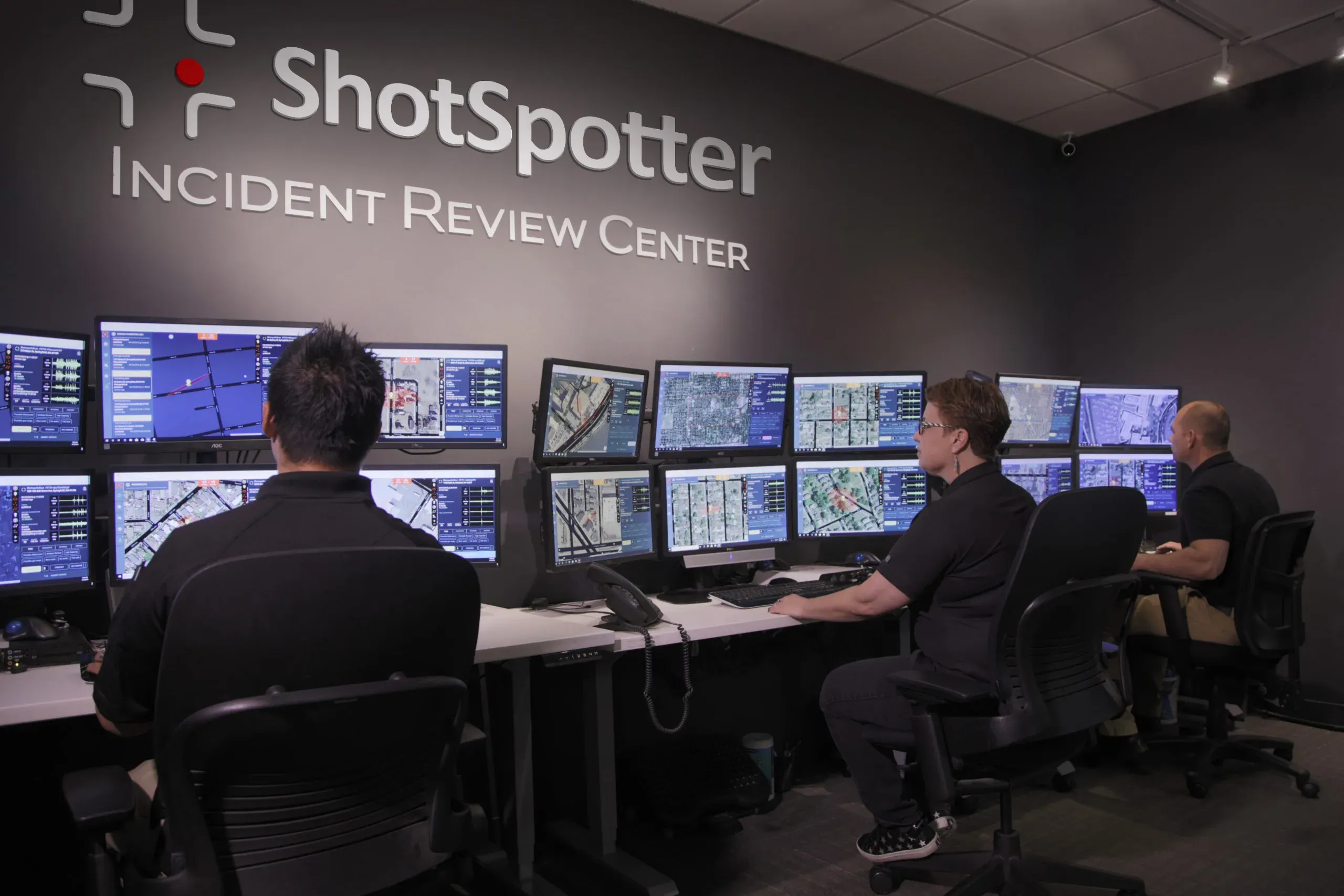
Access over 1 billion records from RMS, CAD, LPRs, ShotSpotter, JMS, Court, Warrant Records, and more – from your agency and nearby jurisdictions.

Icon M reporting dashboard chart icon

Accelerate investigations with advanced analytics
and visualizations to identify offenders in near real-time, keeping your community safe.

Icon M car vehicle search database magnifier icon

Enhance situational awareness with readily available information such as license plates to ensure the best and safest outcome.

Icon M police digital office laptop icon

Connect to CrimeTracer from any centrally
managed device and across all compliant networks.

Icon M shield protection check icon

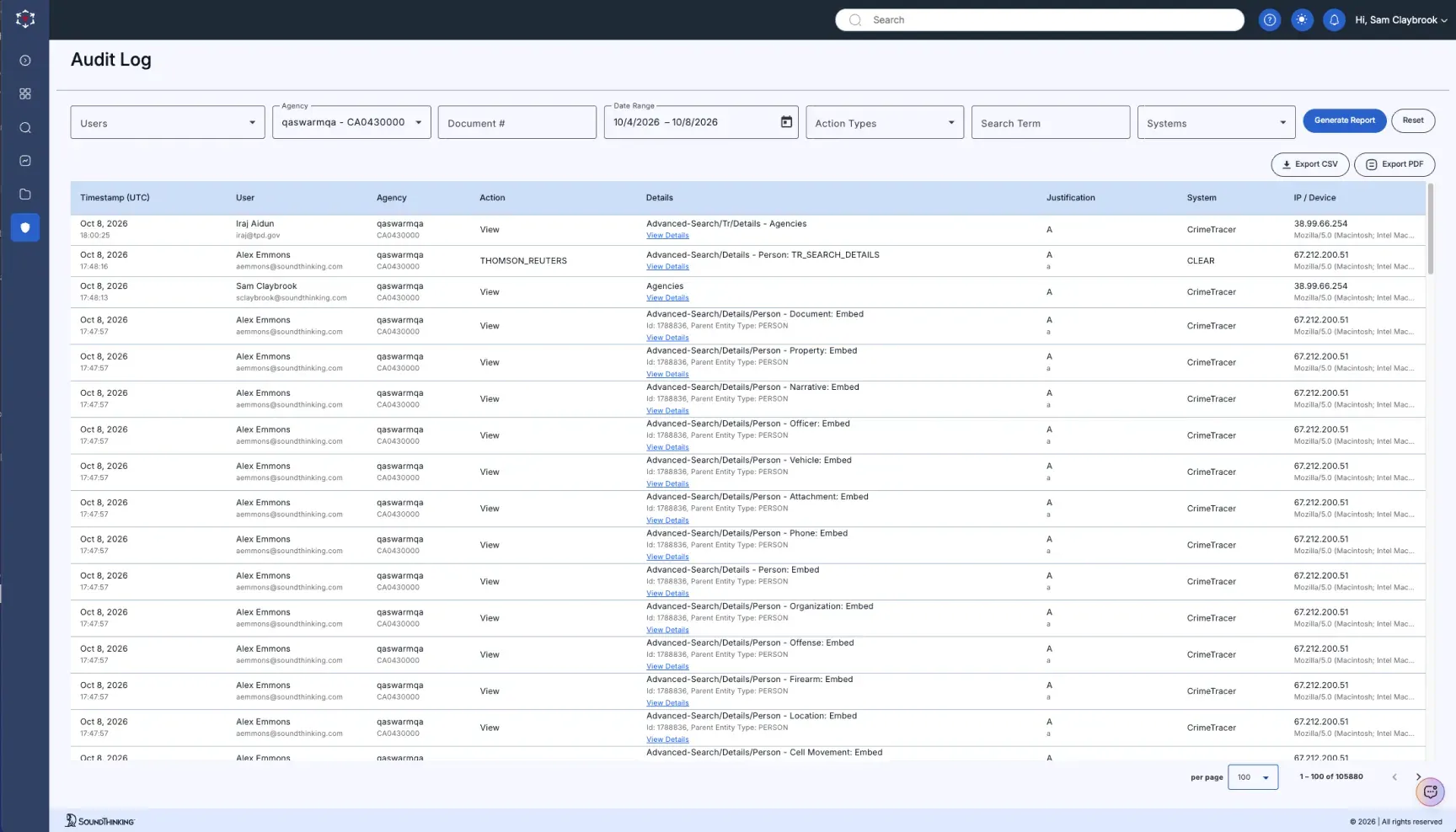
Control data access and data sharing with the fully CJIS-compliant platform.

What’s New in Gen3?

1.

Patrol Dashboard

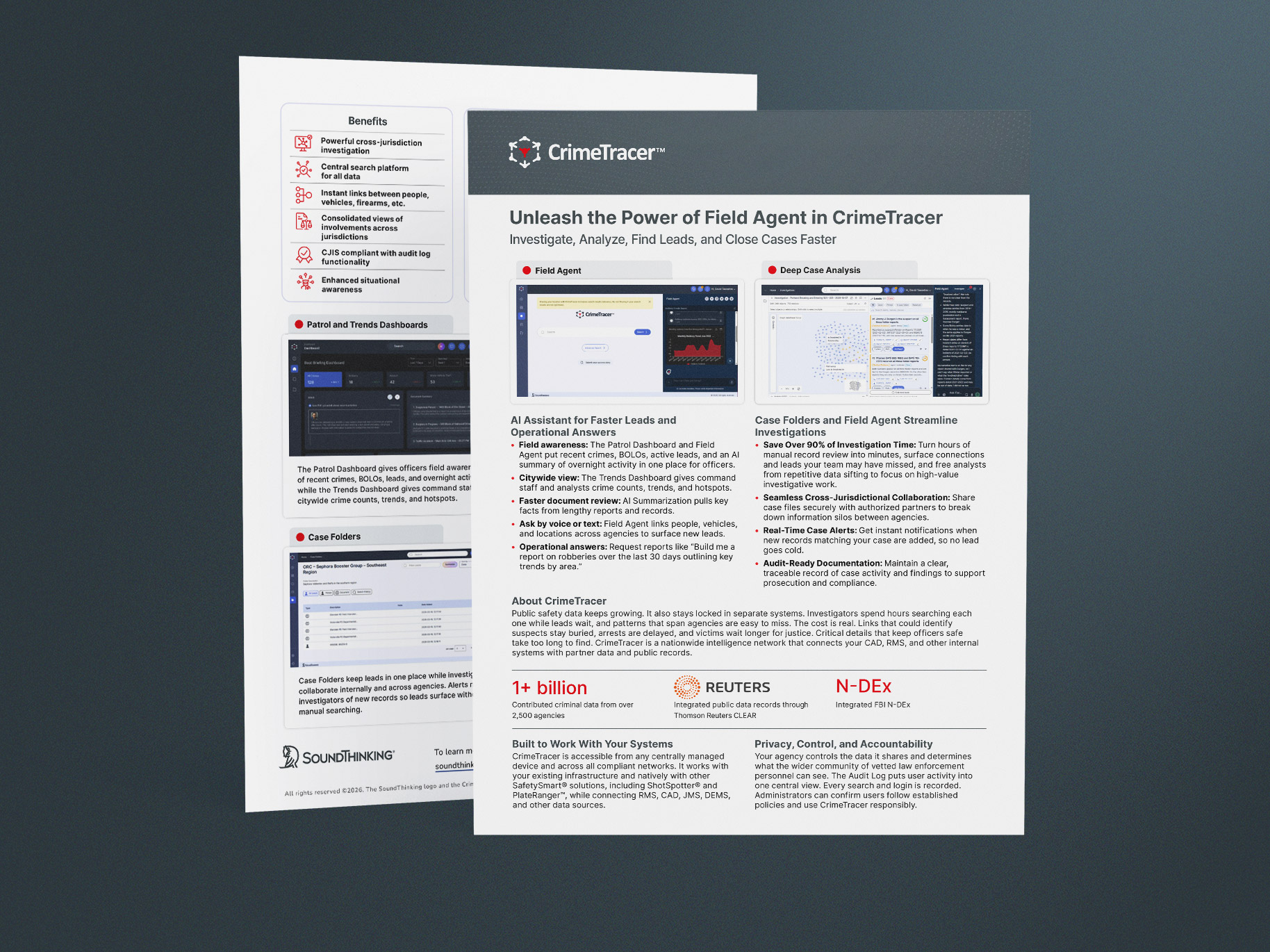
A personalized view that gives officers situational awareness in the field. It shows each officer what matters in their beat: recent crimes, relevant BOLOs, active leads, and a concise AI summary of overnight activity.

2.

Trends Dashboard:

A dynamic, citywide view that visualizes crime counts, trends, and hotspots at a glance. Command Staff and Analysts can use interactive charts and quick filters to spot emerging problems. With one click, they can push findings to the Patrol Dashboard or a case folder, turning insights into action.

3.

Enhanced Natural-Language Search:

The voice-enabled Chatbot allows officers to query vast amounts of CJIS-compliant public safety data conversationally without needing extensive technical expertise.

4.

AI Document Summarization:

Instantly surfaces key facts by condensing reports into short, readable overviews.

5.

Entity Summary Pages:

Provides clean, at-a-glance entity summaries of investigative leads, locations, vehicles, and related records. You can filter, jump to connected records, and with a click, add the entity to a case folder.

6.

Centralized Case Folders:

Consolidates related incidents and leads into one organized view, making it easy to reveal connections, identify patterns, find links between cases, and accelerate investigations.

CUSTOMER TESTIMONIALS

Unlock Success Through Partnership

See More Customer Testimonials

Found a lead with CrimeTracer recently?

Submit Your Story
CRIMETRACER PARTNERS

Webinar

Integrated Tools, Smarter Policing: Accelerating Investigations with ALPR, Gunshot Detection, and Intelligence

Watch Now

Resources

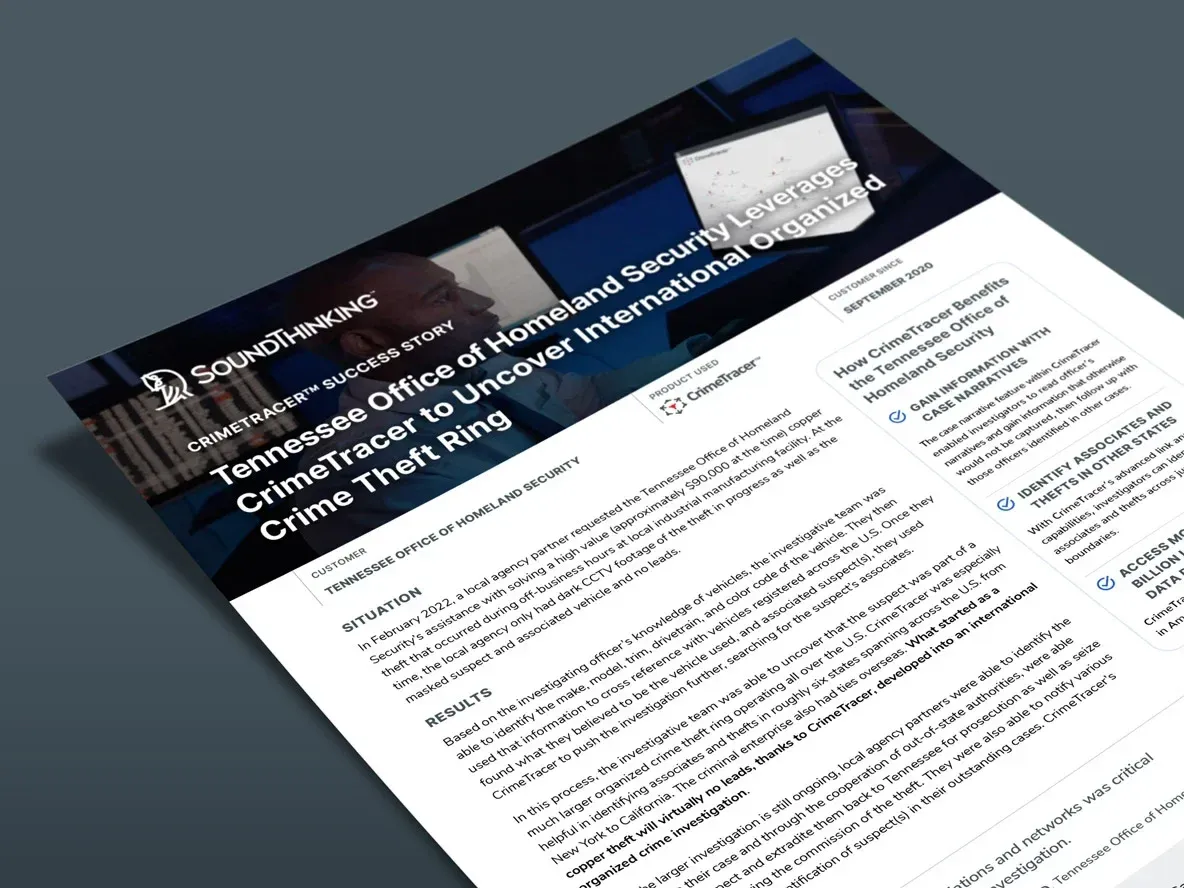
  • Tennessee Deploys CrimeTracer Information Sharing Platform Statewide

  • The Pacifica Police Department Leverages CrimeTracer to Solve Check Fraud Investigation

  • CrimeTracer Datahseet

Visit the Resource Center

Frequently Asked Questions