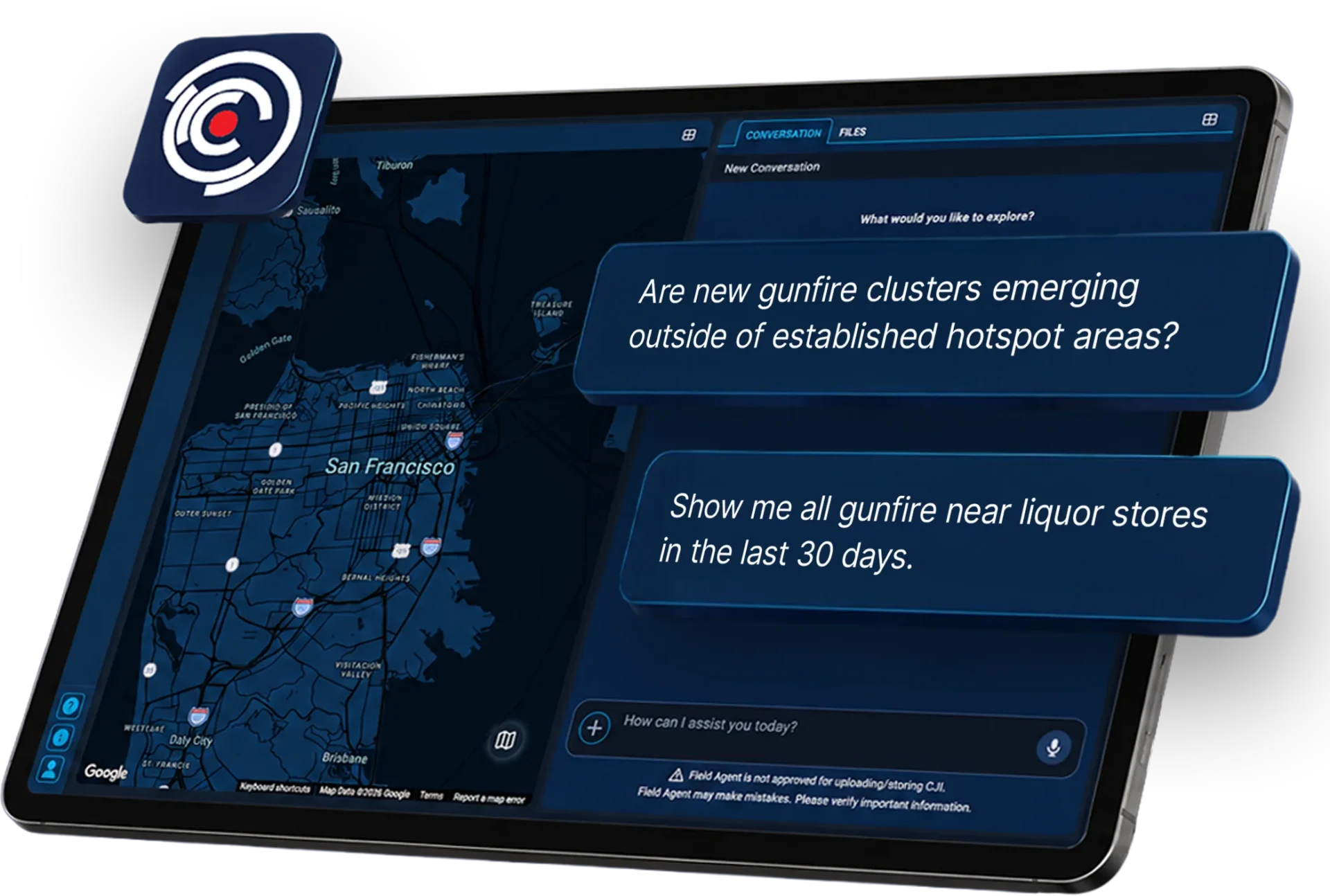












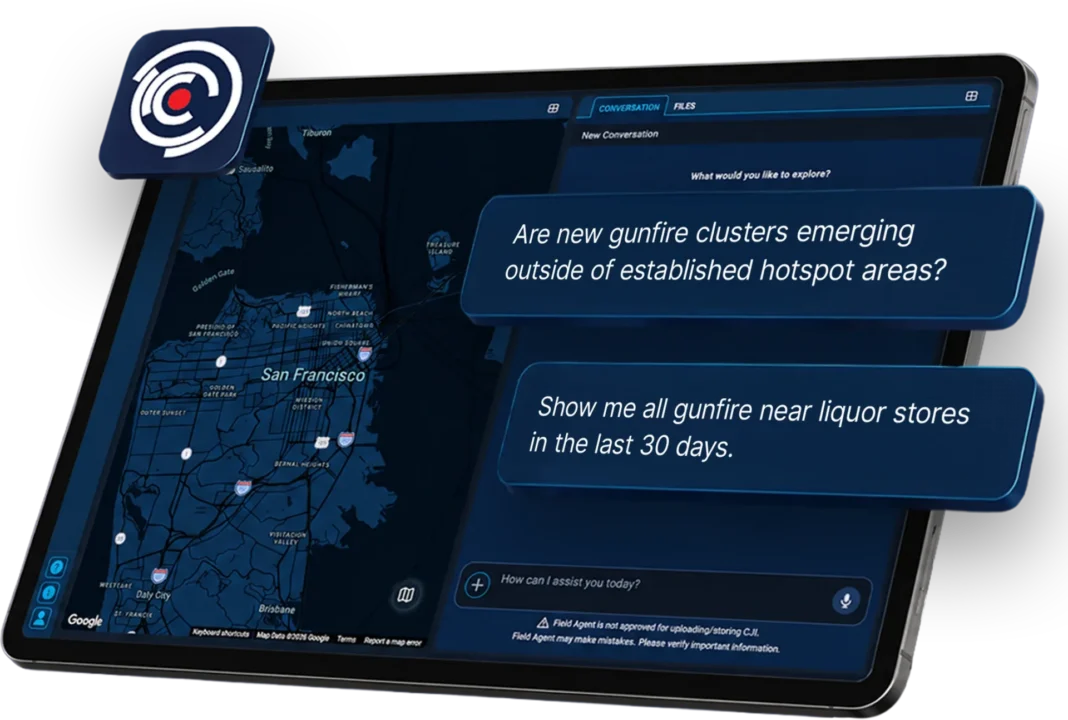
At ShotSpotter®, continuous improvement is built into everything we do, including the tools officers rely on in the field. The latest InSight update reflects direct investment in the user experience, with a redesign built for the screens and workflows that matter most. A more vertical, space-efficient layout brings more information into view at once, making it faster and easier to navigate data, assess situations, and act with confidence, whether users are working from a laptop, MDC, or any other device.
Built Around the Way ShotSpotter Users Actually Work
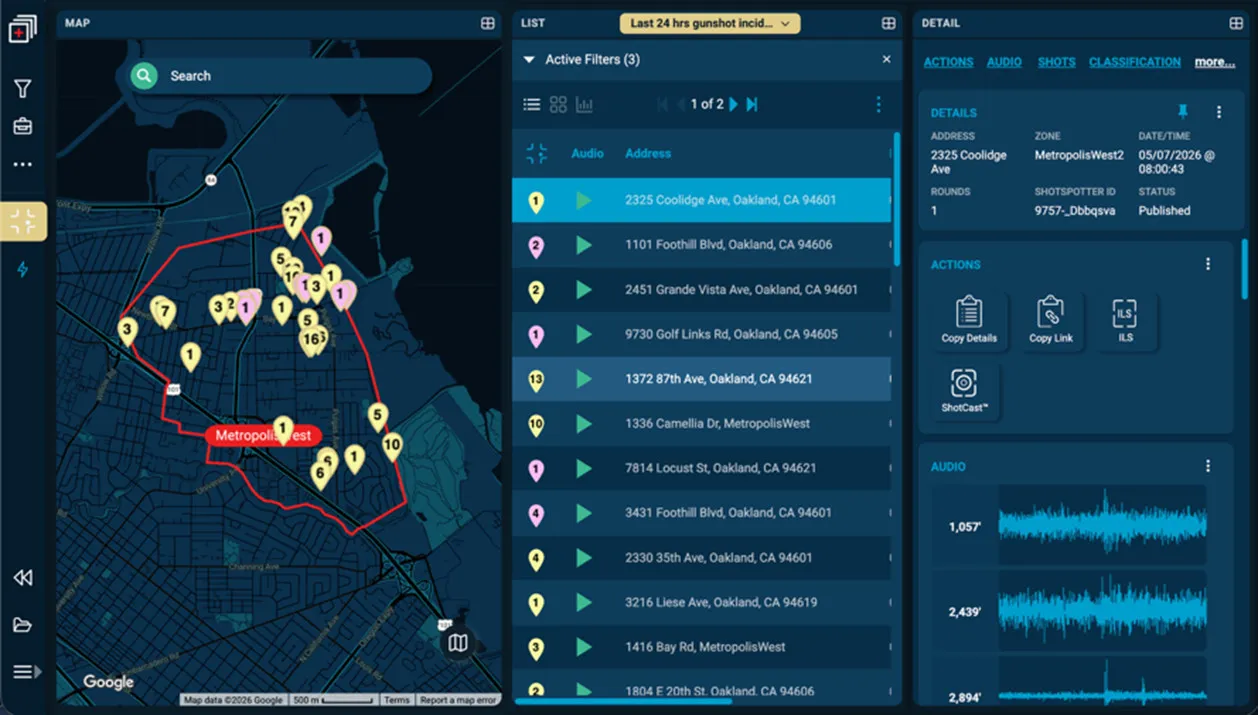
InSight is often used by patrol units, command staff, investigators, analysts, and others who need quick, easy visibility into ShotSpotter activity, whether in the office or in the field. Many InSight users access the app on smaller screens, yet the part of the application users care about most – the map, list, and incident details – were harder to view on laptops and MDCs.
The InSight update addresses that challenge by reorganizing the interface to help users make better use of available screen space. The result is a cleaner, more usable experience that helps ShotSpotter users see more of the information they need without excessive scrolling.
More Room for the Map and the List
One of the biggest changes is the addition of a new side navigation bar. Moving key controls to the side reduces the amount of vertical space taken up at the top and bottom of the application. That enables users to view more of the map and the list, which is especially valuable on smaller screens.
Less wasted space means more visibility into the data, enabling faster understanding and better decisions. This may sound like a small design adjustment, but for users working in a patrol car, tablet, or on a laptop, it can make a meaningful difference.
Filters Are Easier to See and Use
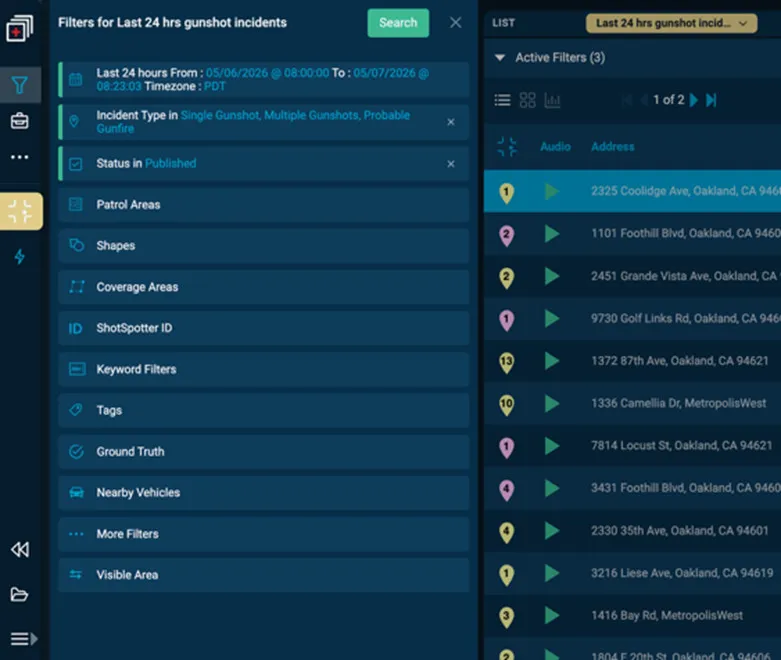
Filtering is one of the most important parts of using the InSight app. Users often spend time narrowing the data to focus on the incidents, timeframes, or activity that matter most to them. In the updated experience, InSight filters are easier to review at a glance, reducing the need for scrolling and making active filters more obvious.
That visibility matters. Instead of digging through menus or scrolling to confirm what is selected, users can quickly see which filters are on and which are not before applying them.
Faster Access with Fewer Clicks
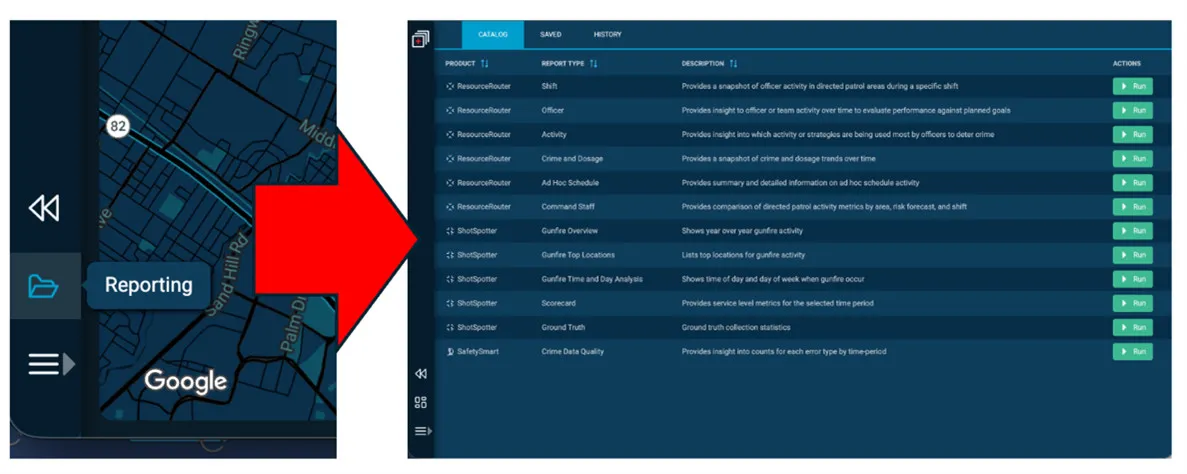
Another benefit of the redesign is simpler navigation within the InSight app. Functions that were previously tucked into other menus are now more directly accessible. Reporting, for example, moved from a multi-step path to a more direct one-click experience. For ShotSpotter users, that means less friction between opening the application and getting the needed information.
Flexible Layouts for Different Workflows
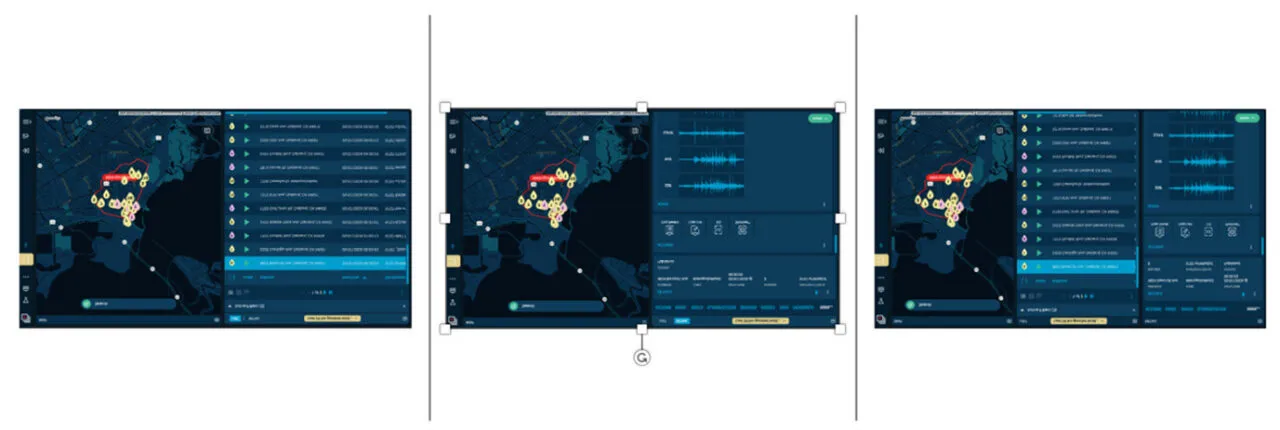
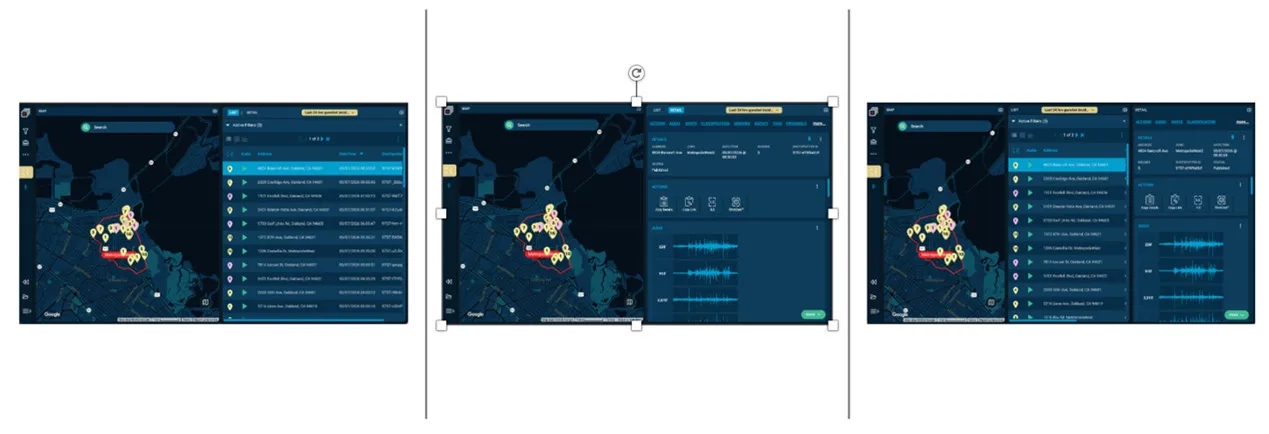
The update also gives users more control over how they arrange the screen. They can collapse panes, enlarge the map, expand the list to see more columns, or group panels in a way that better matches how they prefer to work.
Different users rely on InSight in different ways. Some may want to emphasize the map. Others may want to review more listed data at once. The new layout flexibility makes it easier for the application to adapt to those preferences. Even better, those layout preferences persist, so users can keep working in the format that fits their routine.
A Cleaner Way to View Statistics
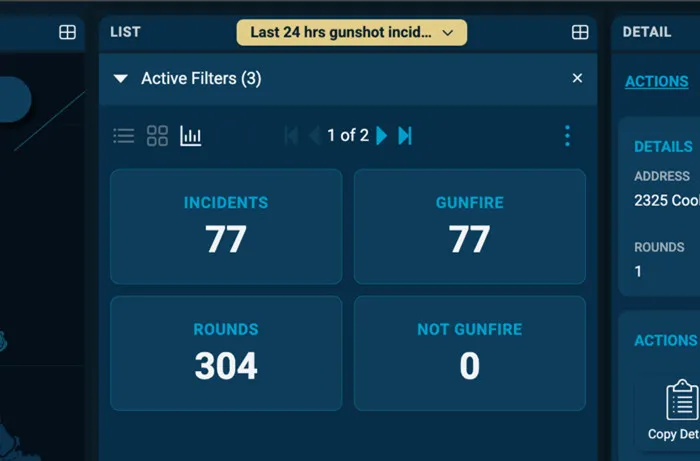
The update also changes how statistics are displayed. Instead of being confined to a very limited space above the list, statistics now live in a dedicated panel. That helps free up more room for the primary workspace and gives more space for viewing statistics.
Improving the Experience Without Changing the Mission
InSight now works better on smaller screens like laptops and MDCs, reflecting what matters most to our customers: an application that works better for the people who depend on it on the devices they use every day. By reducing visual clutter, improving navigation, simplifying filter management, and giving users greater control over their layout, this update helps officers get more value from every interaction with the InSight app. When the experience is this intuitive, accessing ShotSpotter data becomes effortless, allowing users to stay focused on what counts: quickly understanding activity and acting on information with confidence.