How to Use Field Agent With Your ShotSpotter Data

Your ShotSpotter data already contains the answers to most of the questions your chief, command staff, supervisors, and city council ask about gunfire. SafetySmart® Field Agent analyzes that data and finds answers quickly. Ask a question in plain language, and it returns a map, chart, summary, or briefing built from your agency's own data.

What Field Agent Does with ShotSpotter Data

Field Agent is an AI assistant built for public safety. It reads the ShotSpotter data your agency is already authorized to see, then answers your questions in the format you need.

Before Field Agent, a request like "compare this month's gunfire to last month by district" meant filters, exports, and spreadsheet formatting. Now it is one sentence and takes minutes, not days.

Field Agent can:

  • Summarize gunfire activity for any date range, beat, or location
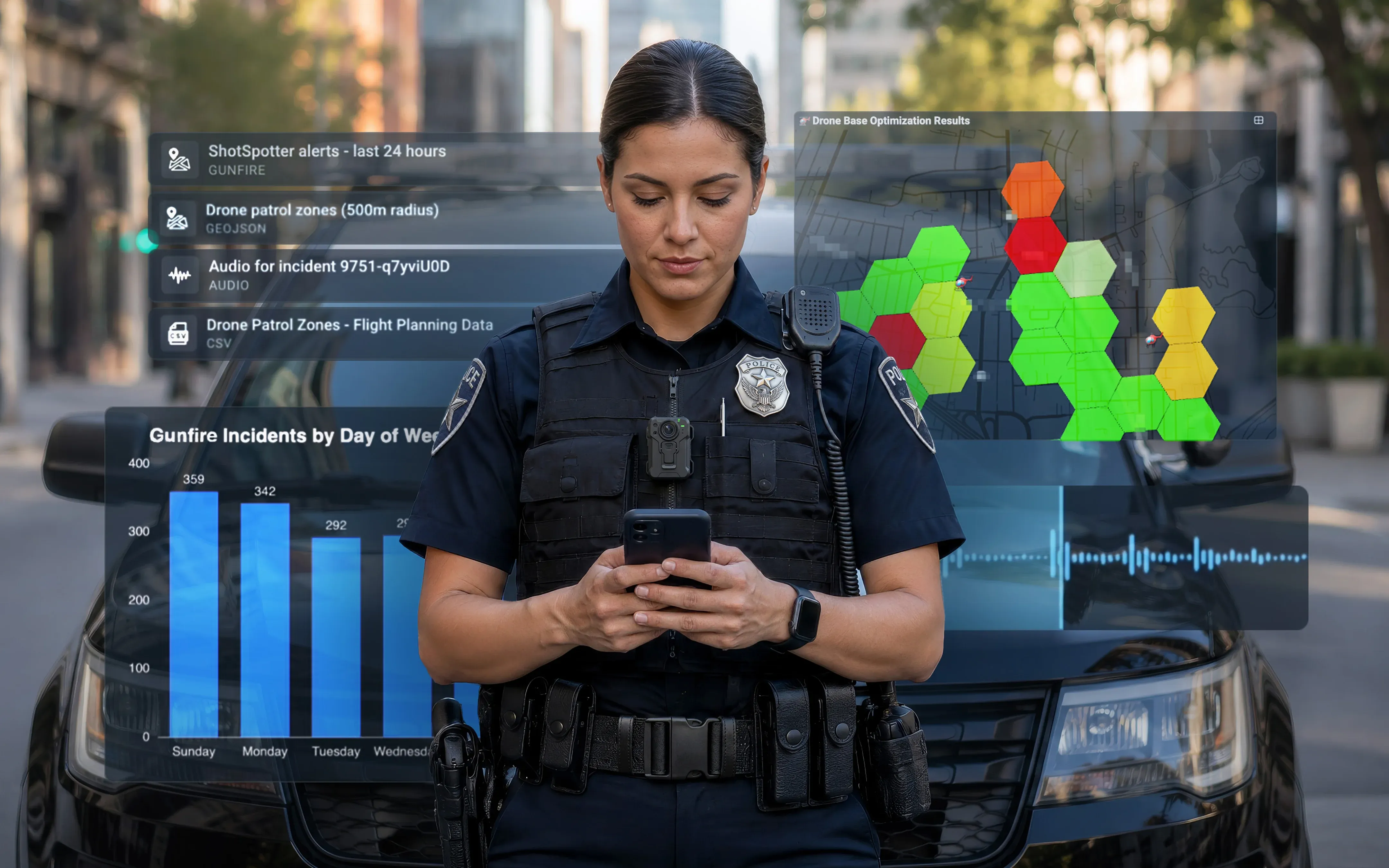
  • Map incidents and clusters on color-coded layers
  • Build charts, heat maps, and hotspot analyses
  • Draft PDF briefings and executive summaries
  • Play incident audio when it is available
  • Export CSV files, GeoJSON or shapefile map layers, and PNG or PDF charts

How to Use Field Agent in ShotSpotter

You do not install anything on a server or change how ShotSpotter alerts reach your officers.

1. Sign in

Users can open Field Agent in a web browser on their desktops, laptops, or mobile data computers (MDCs) in their patrol cars. You can also download the Field Agent app from the Apple App Store or Google Play on a mobile device.

2. Ask your first question

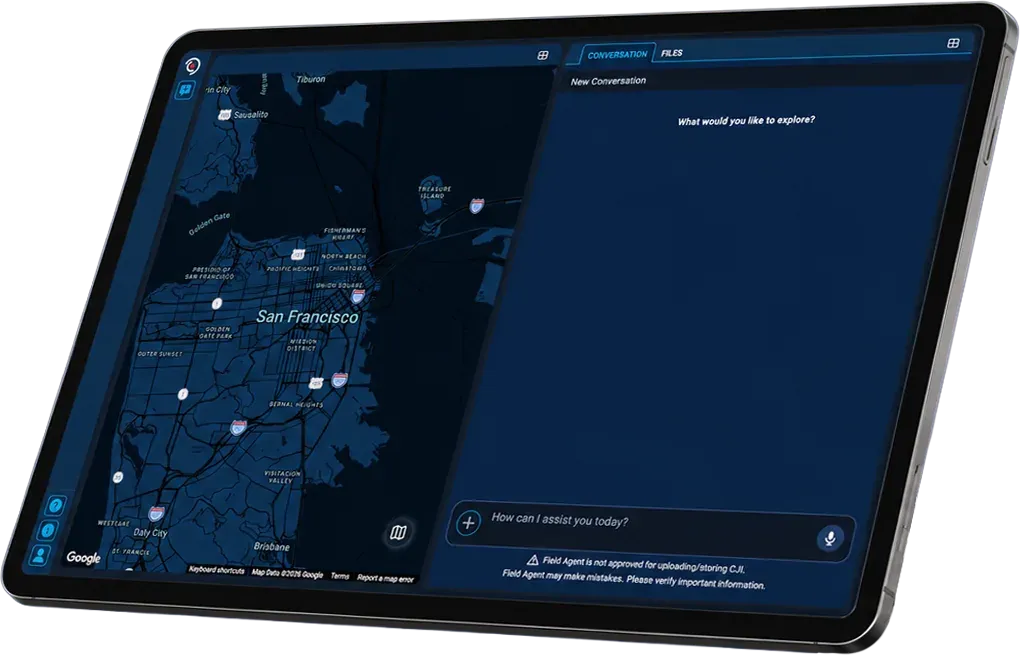
Start with something you would normally ask an analyst. "Show me the last 5 days of gunfire" is a good first prompt. You will see how it responds before you build anything more complex. You can type or use voice-to-text, making the Field Agent app easy to use on a mobile device.

3. Field Agent retrieves and analyzes the data

Pulling from ShotSpotter data and any additional information like CAD calls or RMS reports that you’ve uploaded, Field Agent analyzes the data and provides some additional thoughts to consider — the same as other conversational AI platforms do — and waits for you to add more data to analyze or for final output instructions.

4. Generate reports

Field Agent can export the analysis in multiple formats, including CSV files, GeoJSON, or shapefile map layers. Tell Field Agent how you want the data displayed on a map, set up in .csv format with specified column order, or create a presentation-ready PDF or map image.


Prompts That Work for Every Role

Field Agent is built for patrol officers, investigators, crime analysts, and command staff. The prompts below come from SoundThinking's published examples and show what each role can ask.

Role

Sample prompt

What you get

Patrol

"Show me the most active gunfire clusters in my beat and summarize what days and times each cluster is most active."

A map and a time-of-day summary for pre-shift briefings

Investigators

"What are the top block locations where shell casing evidence has been recovered over the last month?"

Locations to prioritize for canvass and evidence follow-up

Crime analysts

"Identify statistically meaningful changes in ShotSpotter alerts over the last 30 days compared to the prior 90."

Trend analysis you can export for deeper work in Excel or GIS tools

Command staff

"We need to reference our alert data in a grant proposal. Summarize alert activity since January of this year."

A summary ready for grants, CompStat, council briefings, or renewal conversations

Want more Field Agent prompts to use with ShotSpotter?

Download a sample list of Field Agent prompts

What ShotSpotter Agencies Gain by Adding Field Agent

·         Faster answers. A supervisor planning weekend deployment can request recent incidents in a patrol area, with locations and time-of-day patterns, and have them in minutes. A chief answering a council question can ask how gunfire changed over the past month and get charts and maps back.

·         Less analyst backlog. Routine requests no longer wait in a queue. Your analysts spend their time on the work that needs their judgment.

·         Make your ShotSpotter data work hard for you. Patrol, investigators, and command staff can all work directly with the data.

·         Stronger documentation. The same tool that answers the question can draft the briefing, so reports for CompStat, grants, and community meetings come out consistent.

Field Agent is helping us get more value from information we already have,” said Detective Roethlisberger. “Instead of waiting for someone to pull data and build an analysis, our team can ask questions directly, identify patterns, and get useful insights much faster. What’s especially exciting is the potential to bring more of our operational data into that experience, giving our people a more complete picture to support better-informed decisions.”

Detective Lucas Roethlisberger

Intelligence Unit / Crime Gun Intelligence Center, St. Louis Metropolitan Police Department

Tips for Better Answers

  • Be specific. Broad questions work, but a named beat, date range, or point of interest gives you a more useful result.
  • Ask where the data came from. Field Agent can tell you which sources it used, which helps when an answer combines several datasets.
  • Upload your own files. You can add CSV, Shapefile, KML, GeoJSON, or JSON files to a single conversation.
  • Verify before you act. Field Agent supports decisions. Final calls stay with your authorized personnel, who apply training, policy, and local knowledge.

Put Your ShotSpotter Data to Work

ShotSpotter already tells your officers where gunfire happens. Field Agent helps your whole agency understand gunfire better by connecting patterns and trends. Patrol gets a pre-shift briefing, investigators get leads, analysts get trends, and command staff get answers they can bring to city leaders. All of it comes from a plain-language question and the data you already own.

Field Agent helps your team analyze data in near real-time, across all shifts. It only shows each user the data that person is authorized to see, and you can ask it which sources it used for any answer. Your people still make the final call, with Field Agent handling the legwork. That means your analysts spend less time on routine pulls, and your supervisors get consistent briefings they can check against the underlying data.

Ready to add Field Agent to ShotSpotter?

Contact us to ask about adding Field Agent access.

Contact us
I am a Quote...
Title
Subtitle

Was this article helpful?

Search for More Insights